How to Make AI Videos for Free in 2026 (Step by Step)
 VideoPudding Team
Three ways to make an AI video for free: one-tap photo effects, text to video and image to video. What each costs, which model to pick, and no watermarks.
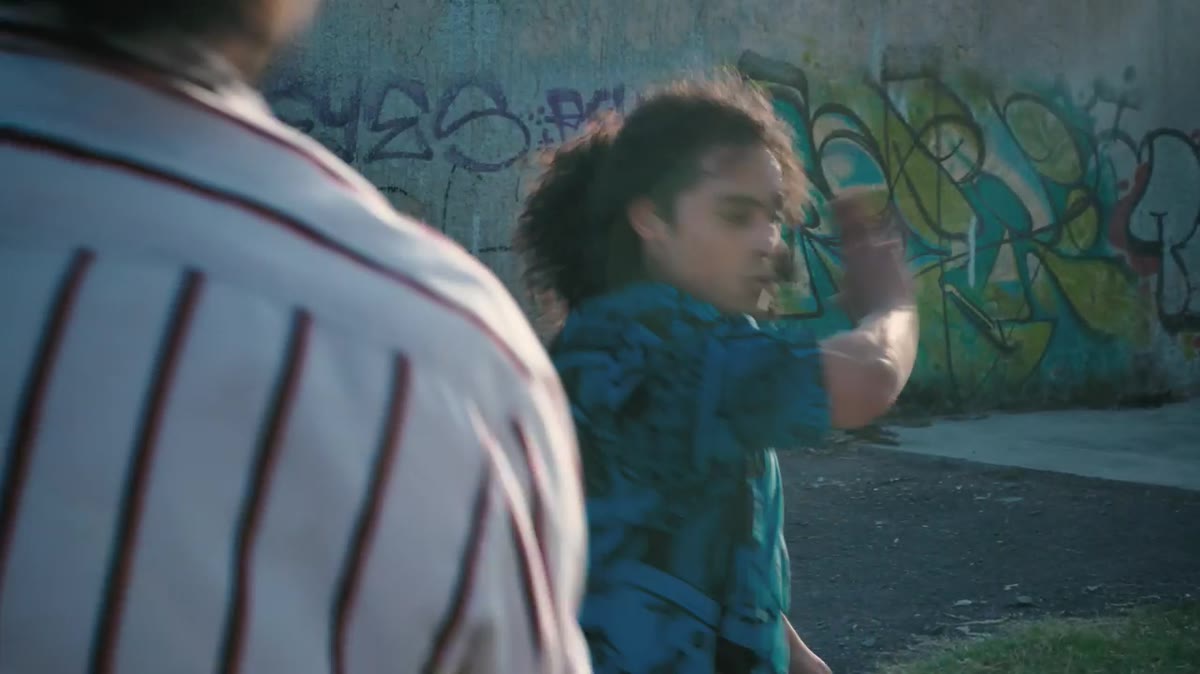
You do not need editing skills, a camera or a big budget to make an AI video. This guide walks through the three ways to make one on VideoPudding, starting with the free credits every new account receives.
Before you start: the free credits
New accounts get 100 free credits. That is enough for one effect video (60 to 100 credits) or one Hailuo clip (60 credits). Every video downloads without a watermark, including the free ones, and a failed video returns all of its credits.
Way 1: one-tap effects (easiest)
Effects need no prompt at all. You upload a photo and press one button.
- Open the effects gallery and pick one, for example AI Hug, Old Photo Revival or Jelly Jiggle.
- Upload a clear photo. Two-person effects need one photo per person.
- Press Make my video and wait 1 to 3 minutes.
Best for: social posts, gifts and a quick laugh.
Way 2: text to video
Describe a scene and an AI model renders it.
- Open text to video.
- Write what should happen. Start with the camera, then the subject and action: Slow push-in on a cat playing the piano in a cozy living room.
- Pick a model and length, then press Generate.
Which model? Hailuo 2.3 is the cheapest and great for playful clips. Kling 3.0 gives steady, cinematic results. Veo 3.1 adds sound and speech. Seedance 2.0 handles complex action. Our model comparison goes deeper.
Stuck on the prompt? Copy one from the prompt library or build one with the prompt generator.
Best for: ads, b-roll, short stories and ideas you cannot film.
Way 3: image to video
Start from your own photo and tell it how to move.
- Open image to video and upload a photo.
- Optionally describe the motion: She turns to the camera and smiles, wind in her hair.
- Choose a model and generate.
Best for: portraits, pets, products and travel photos.
Make it shareable
- Add sound. Most models make silent clips. Press Add sound under any finished video, or use Add Sound for your own clips.
- Pick the right shape. Use 9:16 for TikTok and Reels and 16:9 for YouTube.
- Make it talk. Talking Photo turns a portrait into a speaking video with a natural voice.
Is it really free?
Your first video is free with the starter credits, with no watermark and no card required. After that you can buy a credit pack or pick a plan. Credits work on every model and effect.