How to Make a Photo Talk with AI (Free to Try)
 VideoPudding Team
Turn any portrait into a talking video: write a script, pick a natural AI voice and get lip-synced motion in minutes. Tips for photos, scripts and voices.
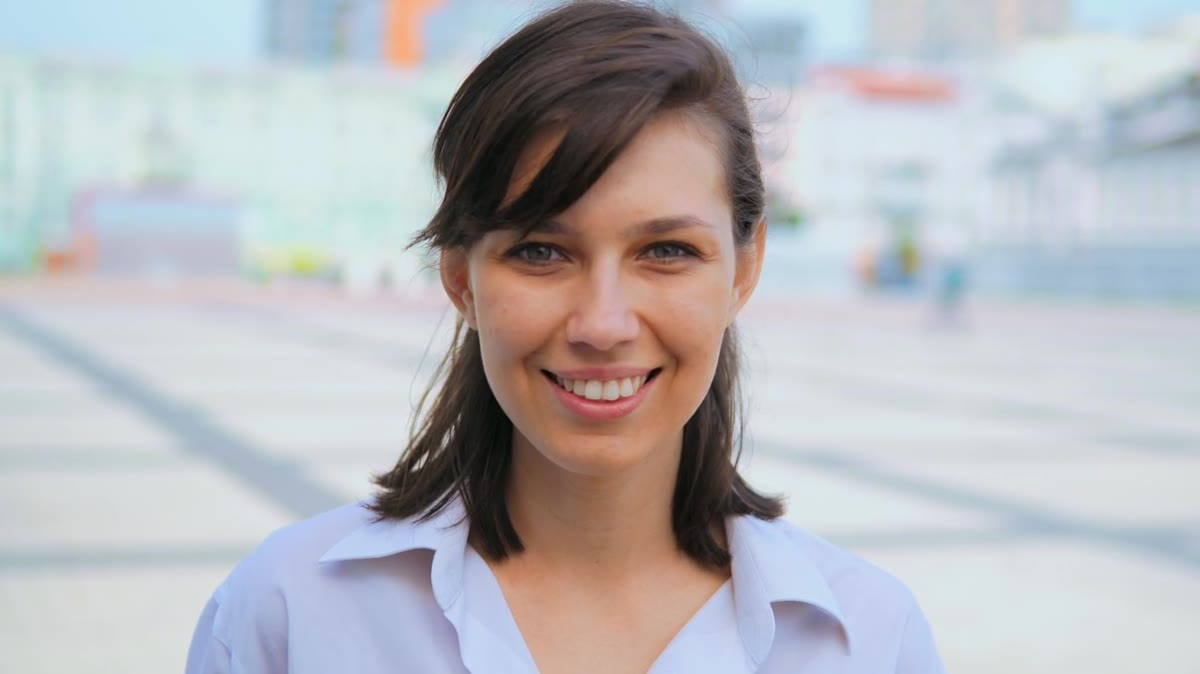
A talking photo is a short video where the person in a still image speaks, with lips, face and head moving in sync with a voice. People use them for birthday messages, product explainers, social posts and to give an old family photo a voice. Here is how to make one that looks natural.
What you need
- One portrait with a clear, front-facing face.
- A short script, up to about 30 seconds of speech.
- A few credits: 12 credits per second of speech plus 10 for the voice (60 minimum). New accounts get free starter credits.
Step by step
- Open Talking Photo.
- Upload your portrait.
- Type what the photo should say. The voice follows the language of your text, so a Chinese script is read in Chinese.
- Pick a voice. Press the play button next to a voice to hear a sample.
- Press Make it talk. The voice is created first, then the face is animated to match it.
The finished video plays on the page and is saved in My Videos.
Choosing the right photo
- The mouth must be visible: no hands, masks or microphones in front of it.
- Front-facing works best; a slight angle is fine, a full profile is not.
- Sharp and well lit. Blurry or dark photos produce soft, uncanny results.
- One person per photo.
Writing a script that sounds human
- Write how people talk: short sentences, contractions, natural pauses.
- Read it out loud once. If you run out of breath, split the sentence.
- Keep it short. Ten to fifteen seconds feels personal; thirty is the limit.
- Punctuation matters: commas create pauses, question marks lift the tone.
Picking a voice
Match the voice to the face and the moment: a warm or calm voice for heartfelt messages, a bright or friendly one for social clips, a narrator voice for explainers. Voices are provided by ElevenLabs and sound natural in English, Chinese and 27 other languages.
Use it responsibly
Only use photos you have the right to use, and never make a real person appear to say something they did not say or would not agree to. A talking photo of yourself, a willing friend or an illustration is always fine.
More ideas
Prefer motion without words? Animate a photo instead, or try one-tap effects like AI Hug. Need sound for a silent clip? Add Sound generates matching sound effects.